YouTube Official Blog
Homepage Hero Slider

-

1 / 5
-

2 / 5
-

3 / 5
-

4 / 5
-
 News and Events
NBCUniversal brings YouTube Creators to the heart of the action at the Milano Cortina 2026 Winter Olympics
5 / 5
-
1 / 5
-
2 / 5
-
3 / 5
-
4 / 5
-
News and Events
NBCUniversal brings YouTube Creators to the heart of the action at the Milano Cortina 2026 Winter Olympics
5 / 5
-
1 / 5
-
2 / 5
-
3 / 5
-
4 / 5
-
News and Events
NBCUniversal brings YouTube Creators to the heart of the action at the Milano Cortina 2026 Winter Olympics
5 / 5
-
1 / 5
-
2 / 5
-
3 / 5
-
4 / 5
-
News and Events
NBCUniversal brings YouTube Creators to the heart of the action at the Milano Cortina 2026 Winter Olympics
5 / 5
-
1 / 5
-
2 / 5
-
3 / 5
-
4 / 5
-
News and Events
NBCUniversal brings YouTube Creators to the heart of the action at the Milano Cortina 2026 Winter Olympics
5 / 5
-
1 / 5
-
2 / 5
-
3 / 5
-
4 / 5
-
News and Events
NBCUniversal brings YouTube Creators to the heart of the action at the Milano Cortina 2026 Winter Olympics
5 / 5
-

Exploring the growth of professional hair styling and tutorials on YouTube
Jan 30, 2026
From precision salon cuts to gravity-defying hair sculptures, the hairstylist community on YouTube is blurring the line between professional expertise and amateur enthusiasm. These videos range from visually satisfying entertainment to deep-dive tutorials, catering to every hair desire.
These videos do more than just dazzle; they empower. Whether showcasing vintage styling, natural hair care, or dramatic transformations, creators are flaunting the know-how required for the profession while opening vital new revenue streams. The appetite for this expertise is massive: Stylist Brad Mondo's YouTube channel has received more than 2B views in its lifetime.*
Don't miss our unique YouTube logo (also known as the Yoodle), launching during Haute Couture Spring/Summer Fashion Week, celebrating the artistry of the hairstylist community. Ready to shake up your look? Brush up on your skills with our playlist.
*Source: YouTube data, Global, Lifetime
From precision salon cuts to gravity-defying hair sculptures, the hairstylist community on YouTube is blurring the line between professional expertise and amateur enthusiasm. These videos range from visually satisfying entertainment to deep-dive tutorials, catering to every hair desire.
These videos do more than just dazzle; they empower. Whether showcasing vintage styling, natural hair care, or dramatic transformations, creators are flaunting the know-how required for the profession while opening vital new revenue streams. The appetite for this expertise is massive: Stylist Brad Mondo's YouTube channel has received more than 2B views in its lifetime.*
Don't miss our unique YouTube logo (also known as the Yoodle), launching during Haute Couture Spring/Summer Fashion Week, celebrating the artistry of the hairstylist community. Ready to shake up your look? Brush up on your skills with our playlist.
*Source: YouTube data, Global, Lifetime
-
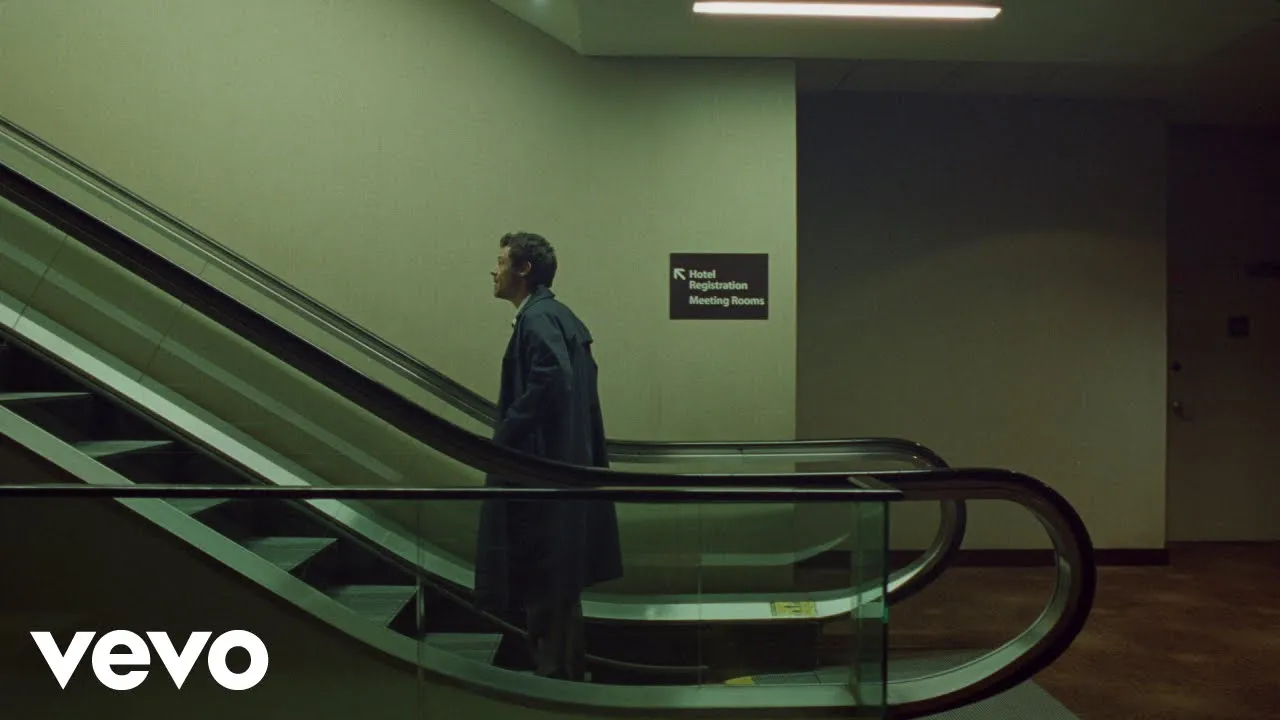
TUNE IN: Harry Styles Official Music Video for “Aperture” Premiering Today!
Jan 23, 2026
Music fans everywhere can tune into the worldwide video premiere of Harry Styles’ new track “Aperture” today at 12 PM ET. This is the first official music video from Harry’s new album “Kiss All The Time. Disco, Occasionally” dropping March 6th!
Fans can visit the watchpage right now to set their reminders and experience the real time reveal of the album’s tracklist leading into the video premiere, exclusively on YouTube.
The countdown is on and we can’t wait!
Music fans everywhere can tune into the worldwide video premiere of Harry Styles’ new track “Aperture” today at 12 PM ET. This is the first official music video from Harry’s new album “Kiss All The Time. Disco, Occasionally” dropping March 6th!
Fans can visit the watchpage right now to set their reminders and experience the real time reveal of the album’s tracklist leading into the video premiere, exclusively on YouTube.
The countdown is on and we can’t wait!
-
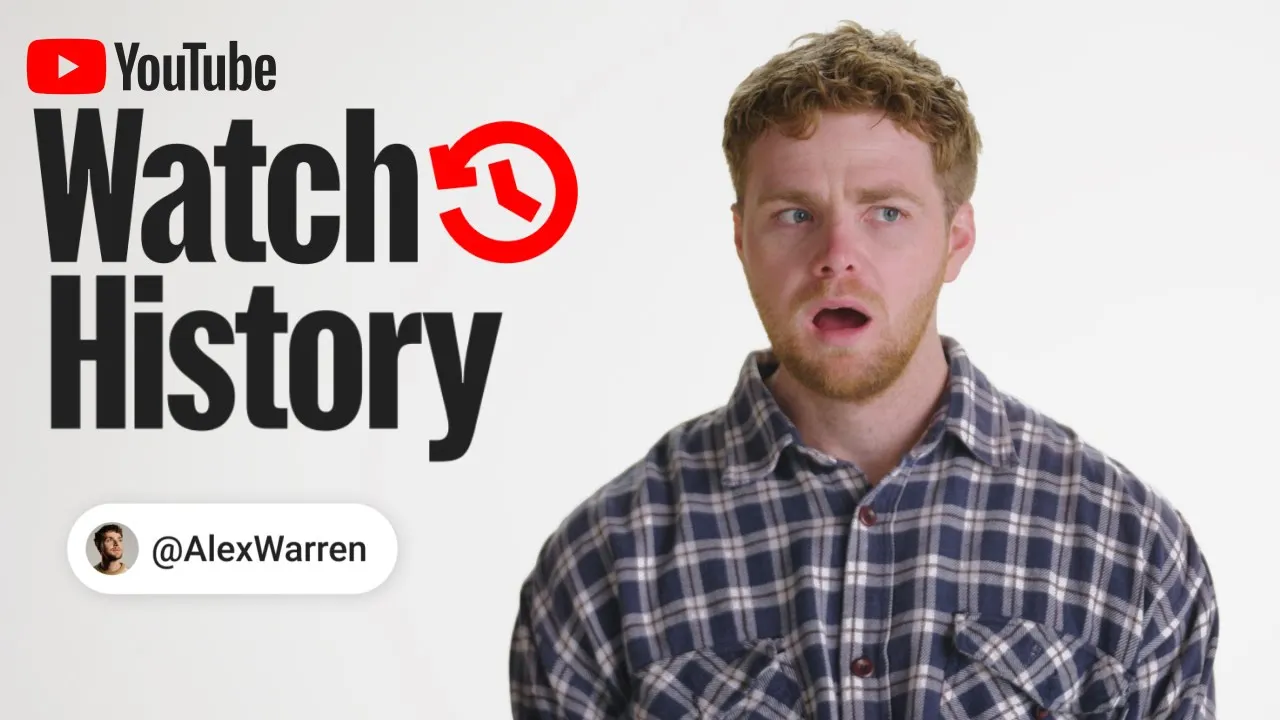
From YouTube creator to Grammy nominee: Inside Alex Warren’s ‘Watch History’
Jan 14, 2026
In our latest episode of Watch History, the Best New Artist nominee takes us behind the screen to reveal the eclectic mix of videos that have taken over his feed in the last year.
2025 was a banner year for Alex Warren. His hit song “Ordinary” took the world by storm, topping charts everywhere and becoming one of YouTube’s top 10 songs of the year. What’s more? Warren was nominated for the Best New Artist at the upcoming Grammy Awards.
Today's six minute watch history episode offers a rare, personal look at the man behind the music and the visual world that energizes him. Warren deep dives into some of major life milestones, like starting his own YouTube channel at age twelve and revisiting his wedding vows. He details his journey of mastering Zara Larsson’s “Lush Life” choreography via Shorts tutorials, his passion for watching Tiny Desk Concerts (Laufey is a current favorite), and getting lost in the culinary chaos of Mythical Kitchen (particularly the Ed Sheeran episode). Warren’s watch history reveals his true love of live music, appreciation for a good laugh, and the occasional 24 hour dog tv session.
Watch Alex Warren's special episode of Watch History now! And stay tuned to the breakthrough artists YouTube channel for more to come in 2026.
In our latest episode of Watch History, the Best New Artist nominee takes us behind the screen to reveal the eclectic mix of videos that have taken over his feed in the last year.
2025 was a banner year for Alex Warren. His hit song “Ordinary” took the world by storm, topping charts everywhere and becoming one of YouTube’s top 10 songs of the year. What’s more? Warren was nominated for the Best New Artist at the upcoming Grammy Awards.
Today's six minute watch history episode offers a rare, personal look at the man behind the music and the visual world that energizes him. Warren deep dives into some of major life milestones, like starting his own YouTube channel at age twelve and revisiting his wedding vows. He details his journey of mastering Zara Larsson’s “Lush Life” choreography via Shorts tutorials, his passion for watching Tiny Desk Concerts (Laufey is a current favorite), and getting lost in the culinary chaos of Mythical Kitchen (particularly the Ed Sheeran episode). Warren’s watch history reveals his true love of live music, appreciation for a good laugh, and the occasional 24 hour dog tv session.
Watch Alex Warren's special episode of Watch History now! And stay tuned to the breakthrough artists YouTube channel for more to come in 2026.
-

How podcasts took over the living room in 2025
Dec 18, 2025
Looking back at 2025 as a breakthrough year for podcasts on YouTube, one thing stands out: viewership on TVs is higher than ever.
In fact, viewers watched over 700 million hours of podcasts on living room devices in October 2025, up from 400 million hours from just a year prior.
To support this shift to the big screen, we updated the living room interface with the Creator Shows experience to help you find your next binge-worthy podcast. We also announced 1 billion monthly active podcast viewers and launched a Podcast chart in the US to celebrate your top podcasts and make it easier to discover your next favorite.
If video is the new way to listen, then YouTube is the best place for podcasts. As we develop more ways to enjoy podcasts on YouTube next year, keep checking out youtube.com/podcasts for even more podcasts to enjoy.
Looking back at 2025 as a breakthrough year for podcasts on YouTube, one thing stands out: viewership on TVs is higher than ever.
In fact, viewers watched over 700 million hours of podcasts on living room devices in October 2025, up from 400 million hours from just a year prior.
To support this shift to the big screen, we updated the living room interface with the Creator Shows experience to help you find your next binge-worthy podcast. We also announced 1 billion monthly active podcast viewers and launched a Podcast chart in the US to celebrate your top podcasts and make it easier to discover your next favorite.
If video is the new way to listen, then YouTube is the best place for podcasts. As we develop more ways to enjoy podcasts on YouTube next year, keep checking out youtube.com/podcasts for even more podcasts to enjoy.
-

Hollywood’s biggest night is coming to YouTube
Dec 17, 2025
The envelope please. The Oscars® are coming to YouTube.
The Oscars® are the pinnacle for lovers of film, artistry and storytelling. And now, YouTube is partnering with The Academy of Motion Picture Arts and Sciences to bring this esteemed tradition to a global audience.
Beginning in 2029, the Oscars® will broadcast exclusively on YouTube for free globally and on YouTube TV in the U.S., plus feature red carpet coverage, behind-the-scenes content, and Governors Ball access. Google Arts & Culture will also provide digital access to select Academy Museum exhibitions and help digitize the Academy Collection.
As YouTube CEO Neal Mohan said, “Partnering with The Academy will inspire a new generation of creativity and film lovers while staying true to the Oscars’ storied legacy.”
Creativity is at the heart of YouTube, and we are honored to roll out the red carpet to the Oscars® -- and all who celebrate.
The envelope please. The Oscars® are coming to YouTube.
The Oscars® are the pinnacle for lovers of film, artistry and storytelling. And now, YouTube is partnering with The Academy of Motion Picture Arts and Sciences to bring this esteemed tradition to a global audience.
Beginning in 2029, the Oscars® will broadcast exclusively on YouTube for free globally and on YouTube TV in the U.S., plus feature red carpet coverage, behind-the-scenes content, and Governors Ball access. Google Arts & Culture will also provide digital access to select Academy Museum exhibitions and help digitize the Academy Collection.
As YouTube CEO Neal Mohan said, “Partnering with The Academy will inspire a new generation of creativity and film lovers while staying true to the Oscars’ storied legacy.”
Creativity is at the heart of YouTube, and we are honored to roll out the red carpet to the Oscars® -- and all who celebrate.
1
5
YouTube Official Blog Card Grid
YouTube TV YouTube on the big screen
From your living room to entertainment in the skies, here are all the ways to enjoy YouTube on the big screen.


